 Lanyard
A teammate's dev stack, on your localhost
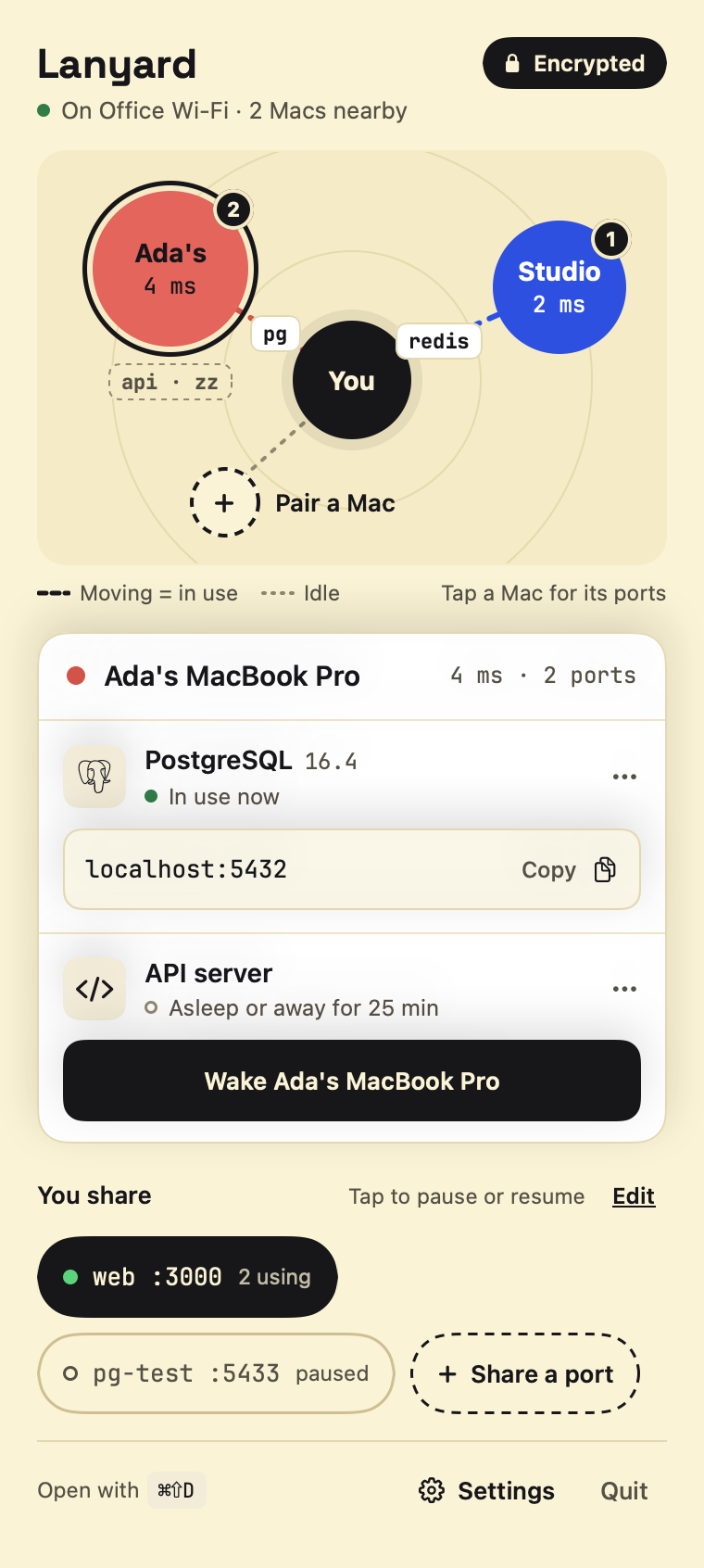
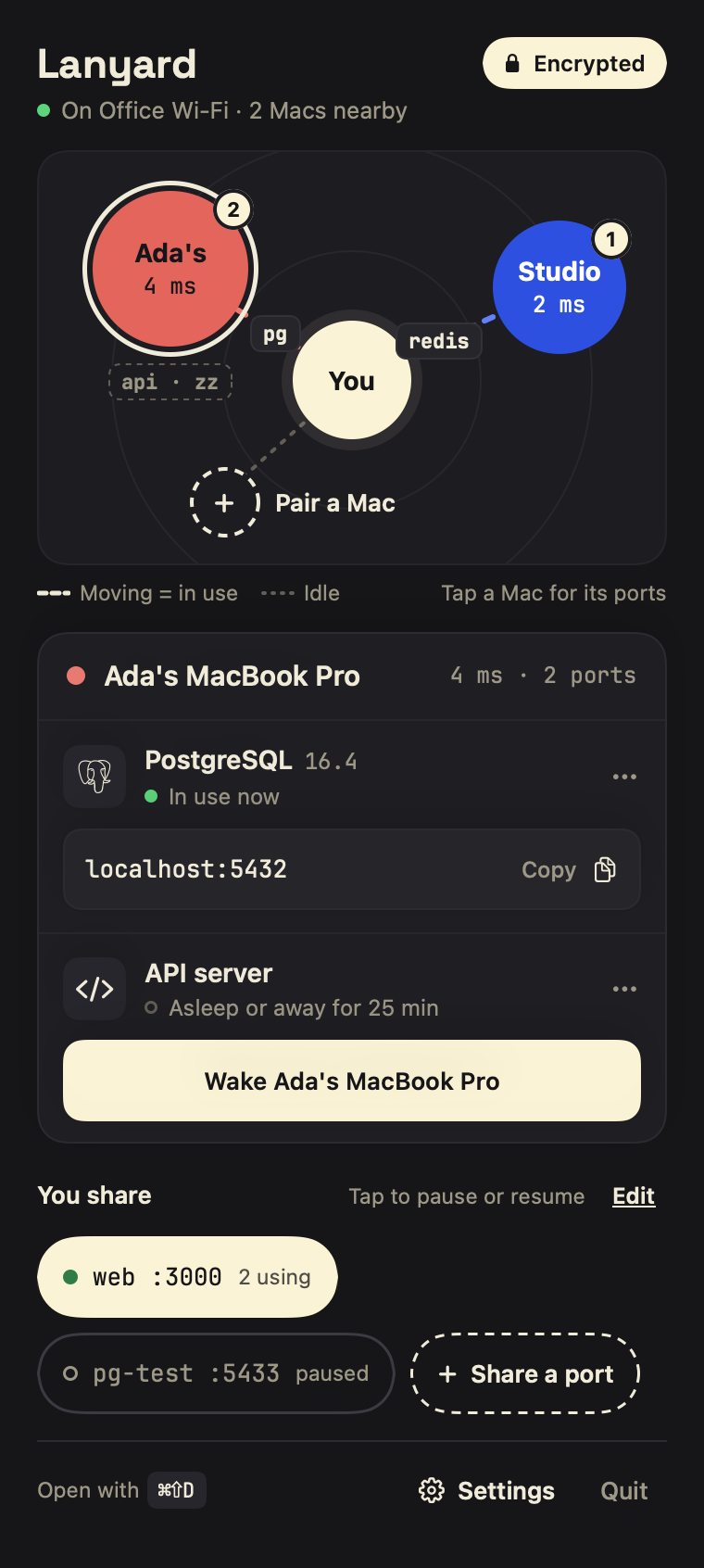
Lanyard is a Mac menu-bar app that connects dev ports between Macs on the same network. If Ada shares Postgres, you connect to localhost:5432.
Version 2.1. Free. Requires macOS 15 or later.
Pair once, then it's just localhost
Pair two Macs
Open Pair a Mac on both. Each shows a 6-digit code; if they match, confirm on both.
Share a port
Pick Postgres, Redis, a dev server, or type any TCP port. Pause it with one click.
Connect as usual
On the other Mac it appears as a localhost address. Click to copy it into your client or
.env.
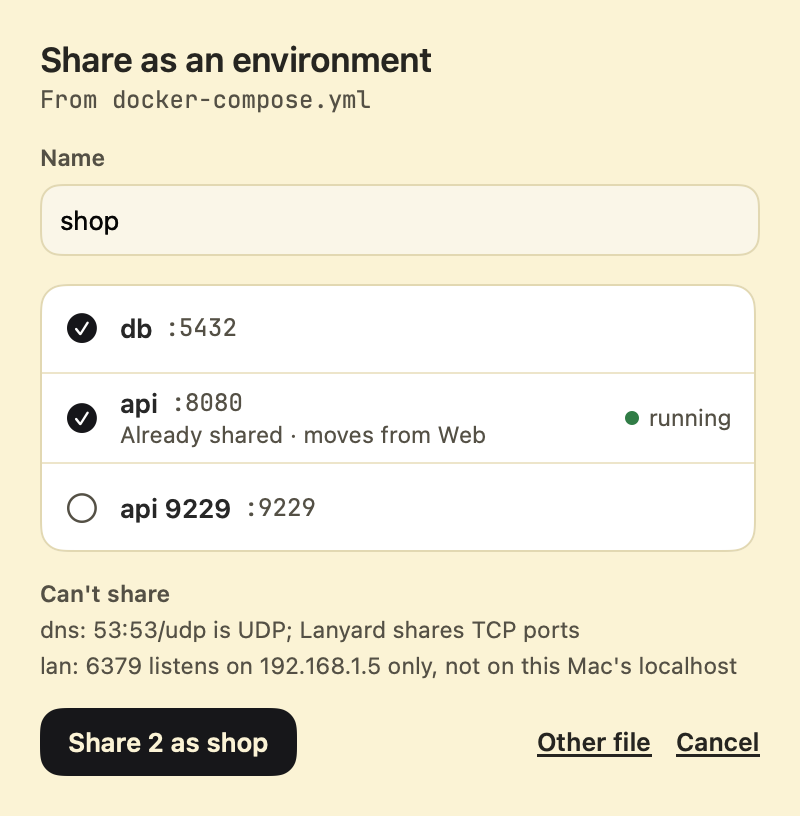
Share the whole project, not one port at a time
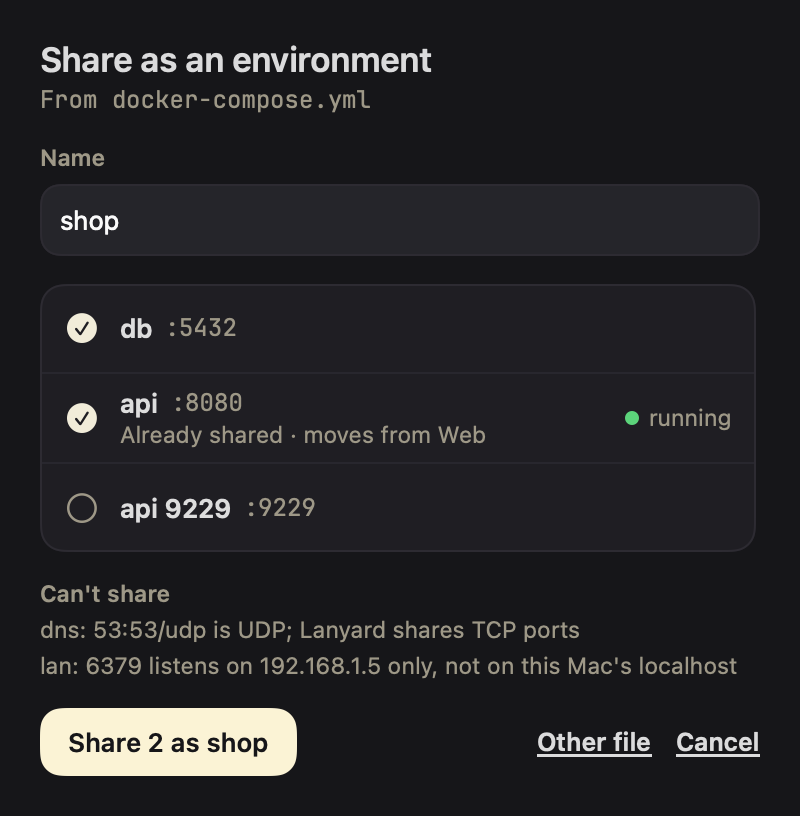
Put a project's database, cache and API in an environment and pause or resume them together; the other Mac sees them under the same heading. Select several ports at once, or import a compose.yaml, docker-compose.yml or lanyard.yml and share the ports it publishes as one environment. Ports that can't work through Lanyard, such as UDP or ones open only inside a container, are listed with the reason.
Databases, queues, dev servers: anything on a port
Lanyard knows 31 common services by name and shares each on its usual port with one tap. It shows the ones already running on your Mac first, and tells the other side what it found, such as "Postgres 16.4" or "RabbitMQ 3.13". Anything else that speaks TCP takes a name and a port number.
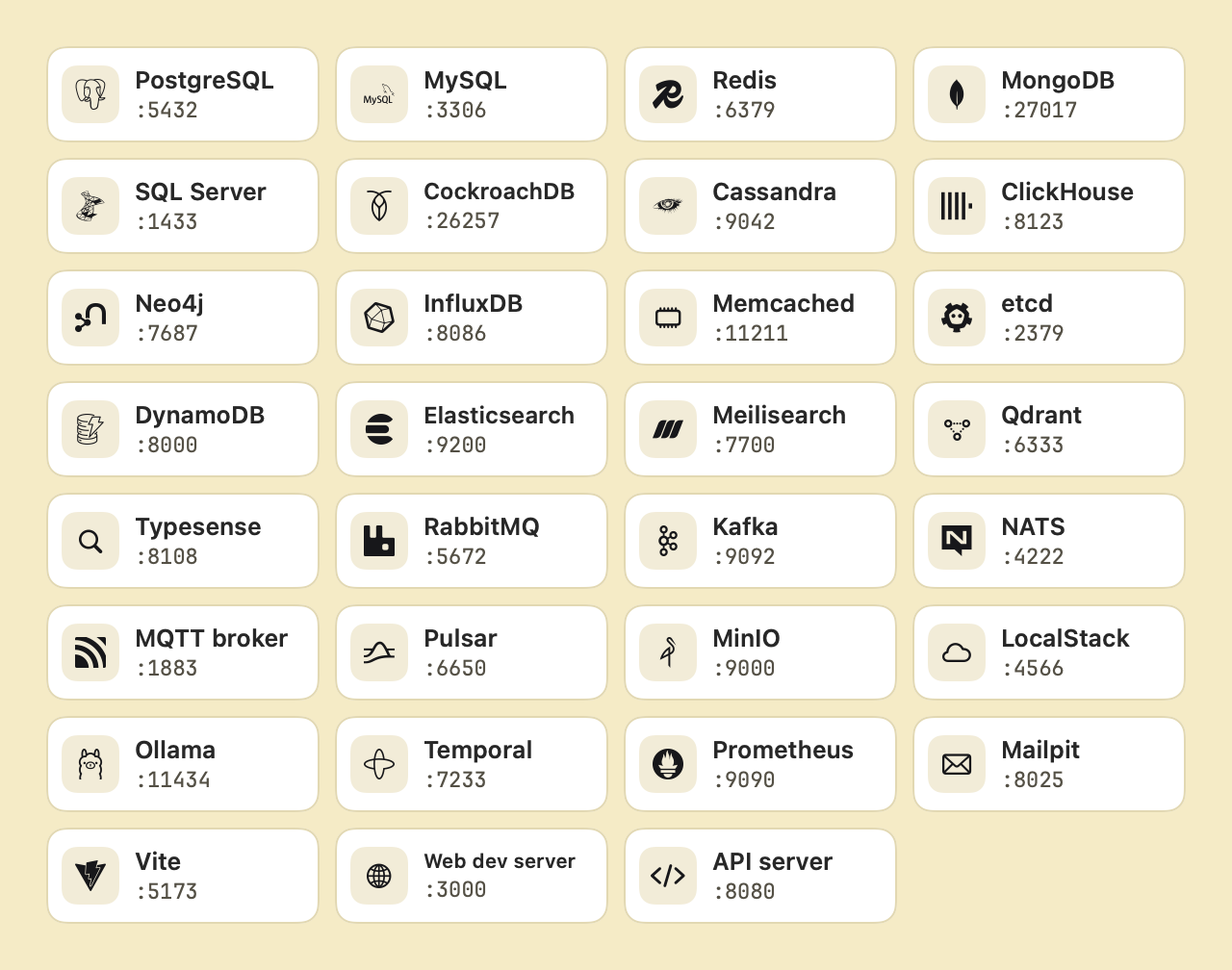
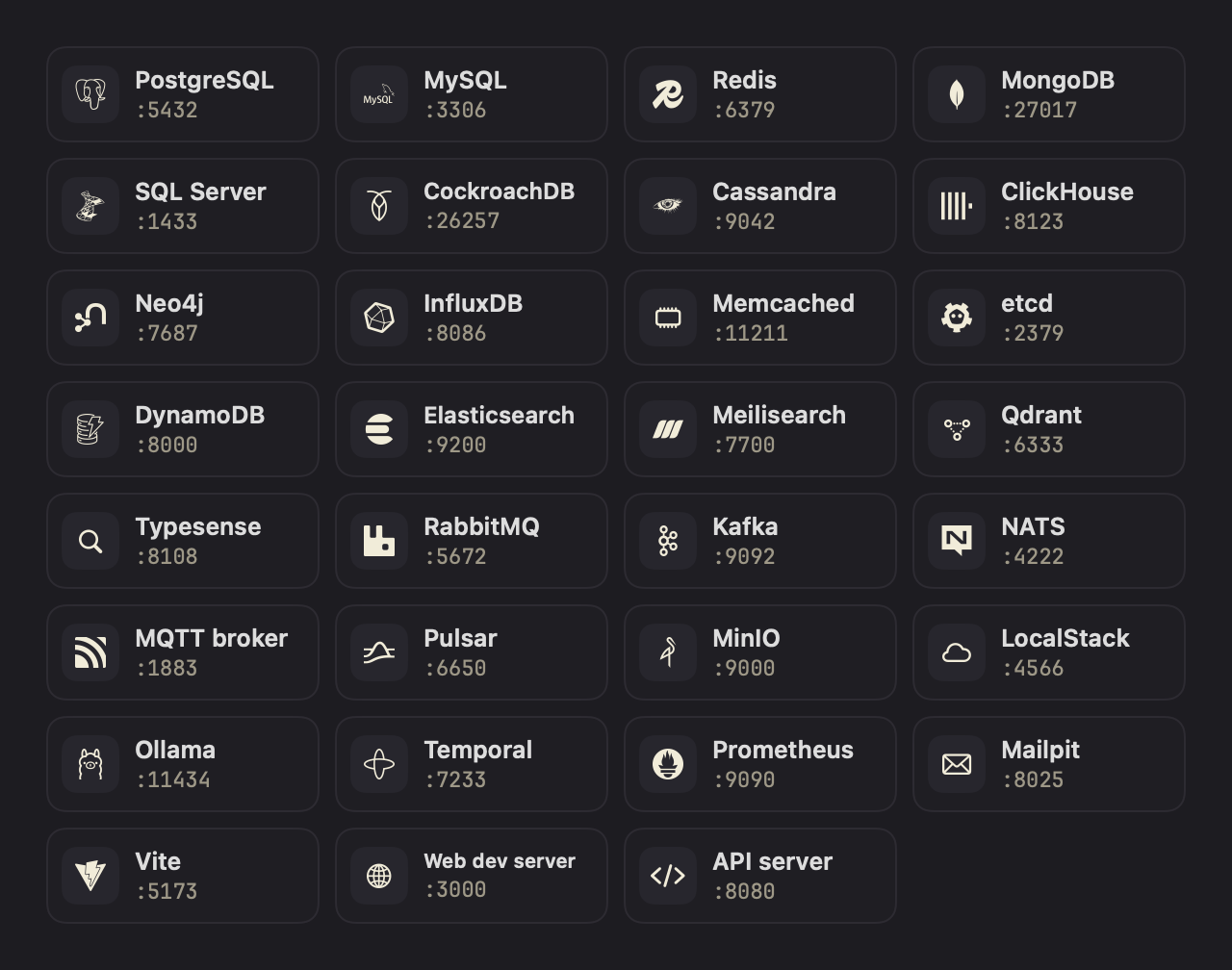
Add hints to a shared port, such as the database name, the user and a note like "ask me for the password", and the other Mac can copy a full connection string (postgresql://ada@localhost:5432/shop) or a .env line, or open the port in your database client or browser. Hints are never for passwords.
Kafka, Cassandra and Pulsar send clients to the address the server advertises, so Lanyard tells you what to set when you share one.
Works with the rest of your Mac
Shortcuts and Siri
Copy a port's address, get its connection string, open it, or turn a share, an environment or all sharing on or off.
Spotlight
Search for a port another Mac shares with you, by its name or the Mac's, and open it in Lanyard. The index stays on your Mac.
Links
lanyard://copy/PostgreSQLcopieslocalhost:5432. Links can copy, open and pause, and never turn sharing on, because any web page can open one.Control Center
Add Lanyard Sharing to Control Center or the menu bar to pause or resume everything without opening the panel.macOS 26
Explain this problem
When a port isn't answering, Apple Intelligence on your Mac says what it likely means and what to check. It uses only the on-device model and sends nothing anywhere.macOS 26 with Apple Intelligence
Notifications
Hear when a Mac first uses one of your ports, when a port you were using stops, and when a Mac comes back. Each can be turned off.
Only Macs you pair can connect
Paired, not open
Each Mac has its own key. Pairing pins the other Mac's key after you compare codes on both screens, so nobody can sit in the middle.
You decide who gets what
Limit a port to some paired Macs, or share it for an hour or until midnight. See who is connected and disconnect them. A log on your Mac shows which Mac used which port, and sharing can pause by itself off your trusted Wi-Fi networks.
Encrypted between Macs
Everything travels over TLS with keys only those two Macs hold, and each connection gets its own short-lived key, so traffic recorded today stays unreadable even if a Mac's key is stolen later. Unpair a Mac and it is disconnected immediately.
Quiet on the network
Other devices can see that a Mac runs Lanyard. They cannot see which ports you share, or reach them.
Nothing leaves your network
No account, no relay, no server of ours. Shared ports are reachable on
localhostonly, never re-exposed. The direct download asks this site once a day whether a newer version is out; you can turn that off in Settings.
What it doesn't do
- It works on your local network or VPN. It is not an internet tunnel.
- A shared port is open to every paired Mac until you limit it, so pair only with Macs you trust.
- It protects traffic in transit, not the service itself. Keep your database passwords.
- Trusted networks go by the Wi-Fi name alone. They keep you from sharing on the café's Wi-Fi; they are not a security boundary.
- A Mac still on Lanyard 2.0 gets no forward secrecy: if a key were stolen later, traffic recorded to or from that Mac could be read. Settings marks those Macs.
Questions
The port I need is already used on my Mac. What happens?
Lanyard picks the next sensible one (for example localhost:25432), tells you, and keeps it the same next time. To choose your own, use Change local port… in the port's menu.
Does the service need to listen on all interfaces?
No. Lanyard connects to it on the sharing Mac's own localhost, so services bound to 127.0.0.1 work and never need to be opened to the network.
Why can't I see the other Mac?
Both Macs need to be on the same network with Lanyard running, and allowed under System Settings › Privacy & Security › Local Network. Guest and some office networks stop devices from seeing each other; then choose Can't see the other Mac? Pair by address… in the pairing window and type the address the other Mac's pairing window shows. A firewall needs TCP ports 46310 and 46311 open.
Do both Macs need Lanyard 2.1?
No. 2.1 connects to Macs on 2.0. Update both to get forward secrecy; until then, Settings shows which Macs run the older version.
Does it work with the older Dev Tunnel Share?
No. Lanyard replaces it with a paired, encrypted connection, so both Macs need the new version.
What can I share?
Anything that speaks TCP: databases, caches, API and web dev servers.