 Lanyard
A teammate's dev stack, on your localhost
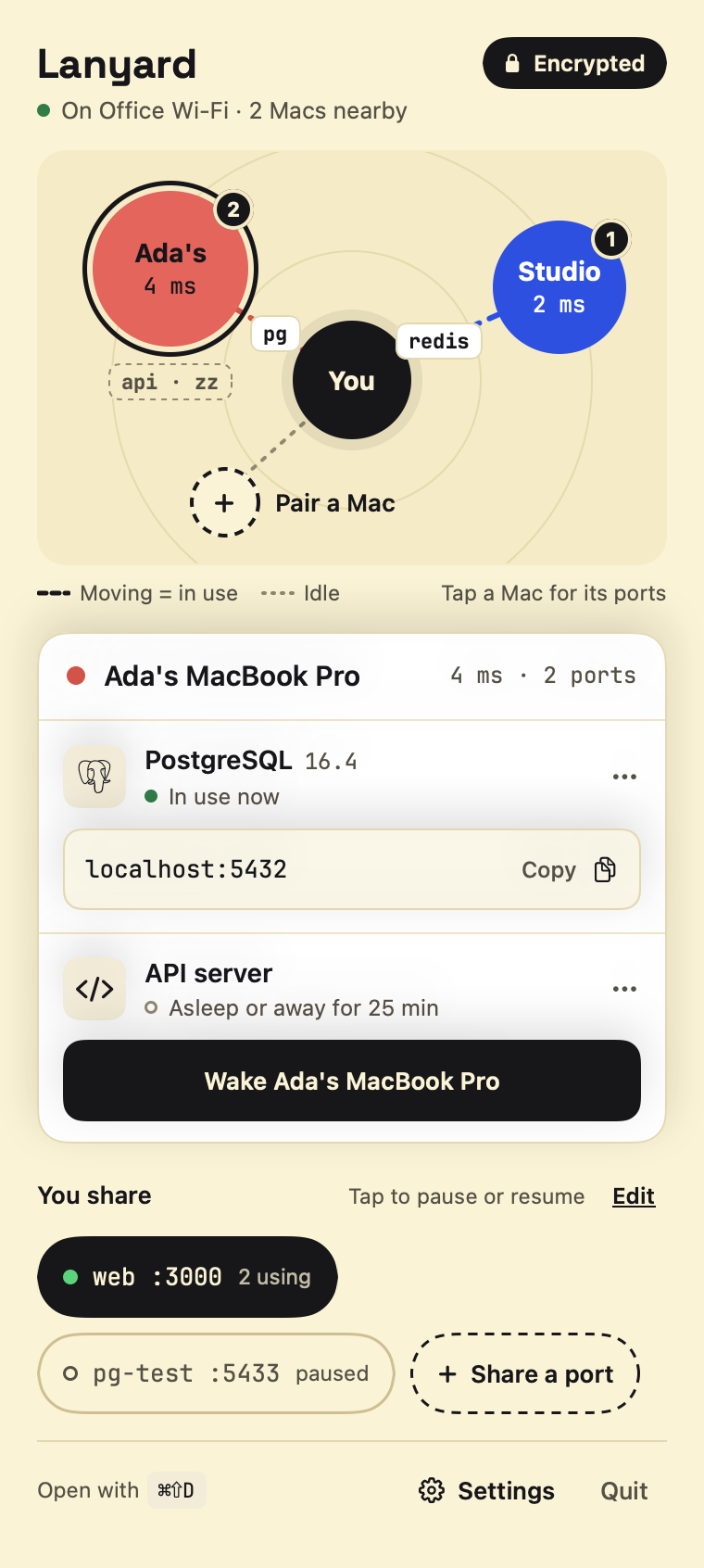
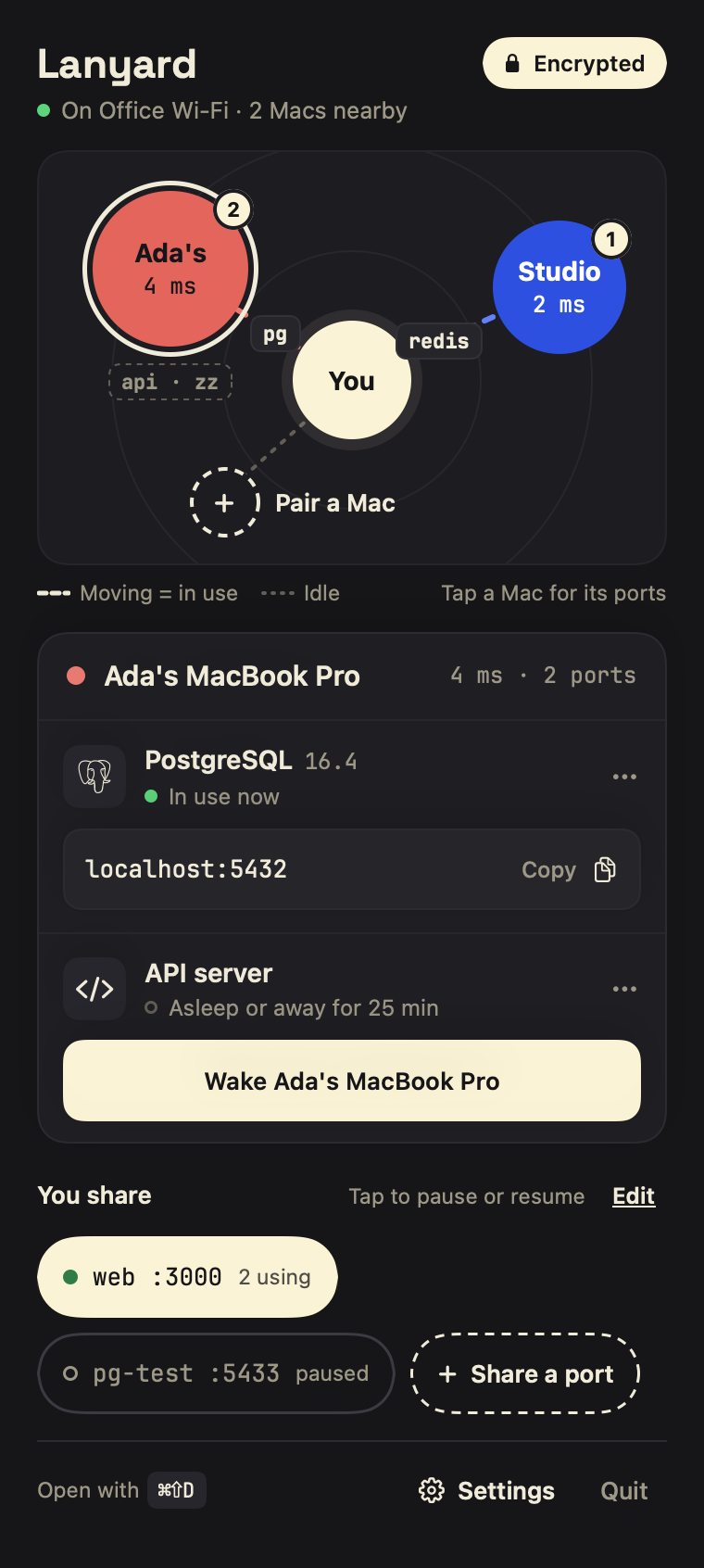
Lanyard is a Mac menu-bar app that connects dev ports between Macs on the same network. If Ada shares Postgres, you connect to localhost:5432.
Free. Requires macOS 15 or later.
Pair once, then it's just localhost
Pair two Macs
Open Pair a Mac on both. Each shows a 6-digit code; if they match, confirm on both.
Share a port
Pick Postgres, Redis, a dev server, or type any TCP port. Pause it with one click.
Connect as usual
On the other Mac it appears as a localhost address. Click to copy it into your client or
.env.
Databases, queues, dev servers: anything on a port
Lanyard knows 31 common services by name and shares each on its usual port with one tap. It shows the ones already running on your Mac first, and tells the other side what it found, such as "Postgres 16.4" or "RabbitMQ 3.13". Anything else that speaks TCP takes a name and a port number.
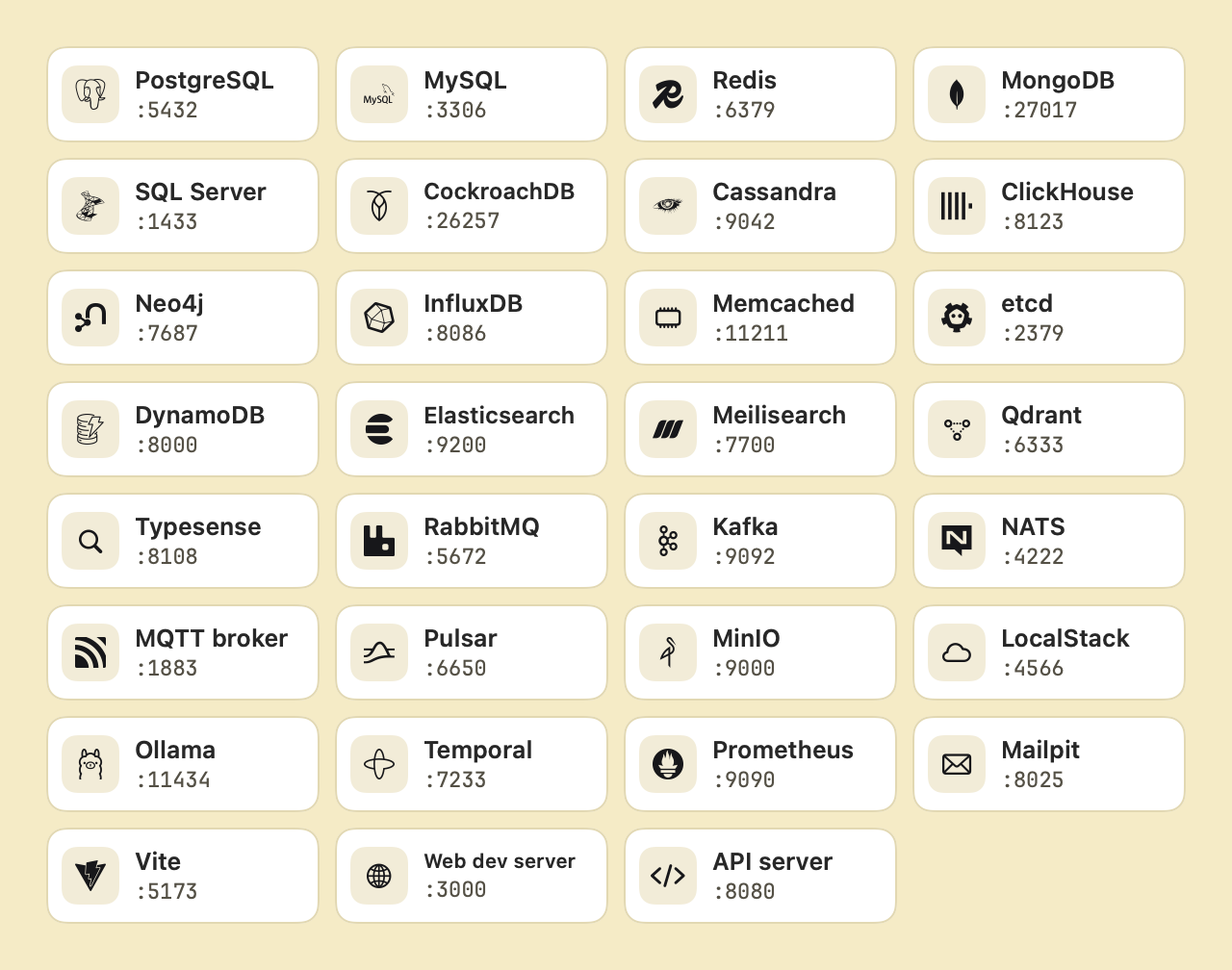
Kafka, Cassandra and Pulsar send clients to the address the server advertises, so Lanyard tells you what to set when you share one.
Only Macs you pair can connect
Paired, not open
Each Mac has its own key. Pairing pins the other Mac's key after you compare codes on both screens, so nobody can sit in the middle.
Encrypted between Macs
Everything travels over TLS with a key only those two Macs can derive. Unpair a Mac and it is disconnected immediately.
Quiet on the network
Other devices can see that a Mac runs Lanyard. They cannot see which ports you share, or reach them.
Nothing leaves your network
No account, no relay, no server of ours. Shared ports are reachable on
localhostonly, never re-exposed.
What it doesn't do
- It works on one local network. It is not an internet tunnel.
- A paired Mac can use every port you share, so pair only with Macs you trust.
- It protects traffic in transit, not the service itself. Keep your database passwords.
- Session keys are derived from the pairing, so there is no forward secrecy yet: if a Mac's key were stolen later, captured traffic could be read.
Questions
The port I need is already used on my Mac. What happens?
Lanyard picks the next sensible one (for example localhost:25432), tells you, and keeps it the same next time.
Does the service need to listen on all interfaces?
No. Lanyard connects to it on the sharing Mac's own localhost, so services bound to 127.0.0.1 work and never need to be opened to the network.
Why can't I see the other Mac?
Both Macs need to be on the same network with Lanyard running, and allowed under System Settings › Privacy & Security › Local Network. Guest and some office networks stop devices from seeing each other.
Does it work with the older Dev Tunnel Share?
No. Lanyard replaces it with a paired, encrypted connection, so both Macs need the new version.
What can I share?
Anything that speaks TCP: databases, caches, API and web dev servers.